


Nie jest to opcja widoczna w podstawowym panelu ustawień update-u.Zamieszczone przez MiGo

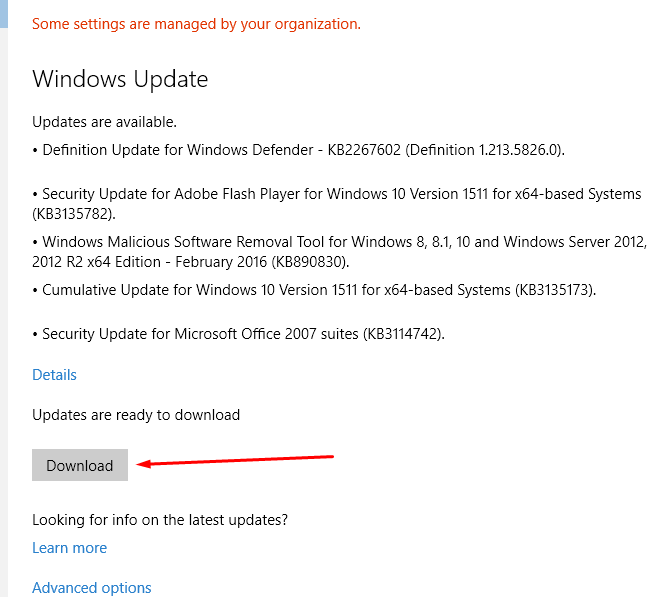
Po ustawieniu wygląda tak:
A ustawić w Win10Pro można np. tak (cytat z jakiegoś serwisu)
To disable automatic updates:
1) run gpedit.msc. This will allow you to edit the local group policy.
2) In the group policy editor, navigate to Computer Configuration -> Administrative Templates -> Windows Components -> Windows Update
3) On the right-hand pane, locate the setting called "Configure Automatic Updates" and double-click it
4) Set this policy setting to enabled and pick whichever behaviour you want Windows Updates to use. I recommend "notify to download, notify to install", but you can completely turn updates off completely by setting it to never check or notify. The 'schedule' drop-downs don't really matter unless you pick one of the auto-downloads/install options.
5) Click Ok and close gpedit.msc. Windows should now behave as you told it to (though a reboot may be needed.)

Szukaj

 Odpowiedz z cytatem
Skontaktuj się z nami